

Multiplayer cloud workstations for coding agents and humans
Amika lets you provision VMs on any cloud or computer, load them with your favorite agent(s), and then remote control the agents from any chat surface or app. Each VM is configured as an Amika Rig, a workstation tuned for coding agents and humans to collaborate in.- Run anywhere. Use Kubernetes, E2B, or your own computer.
- Bring any agent. Use Codex, Claude, OpenCode, Pi, or your own agent with existing subscriptions and API keys.
- Control from anywhere. Use chat apps, the web UI, API, CLI, SSH, or your editor or ADE.
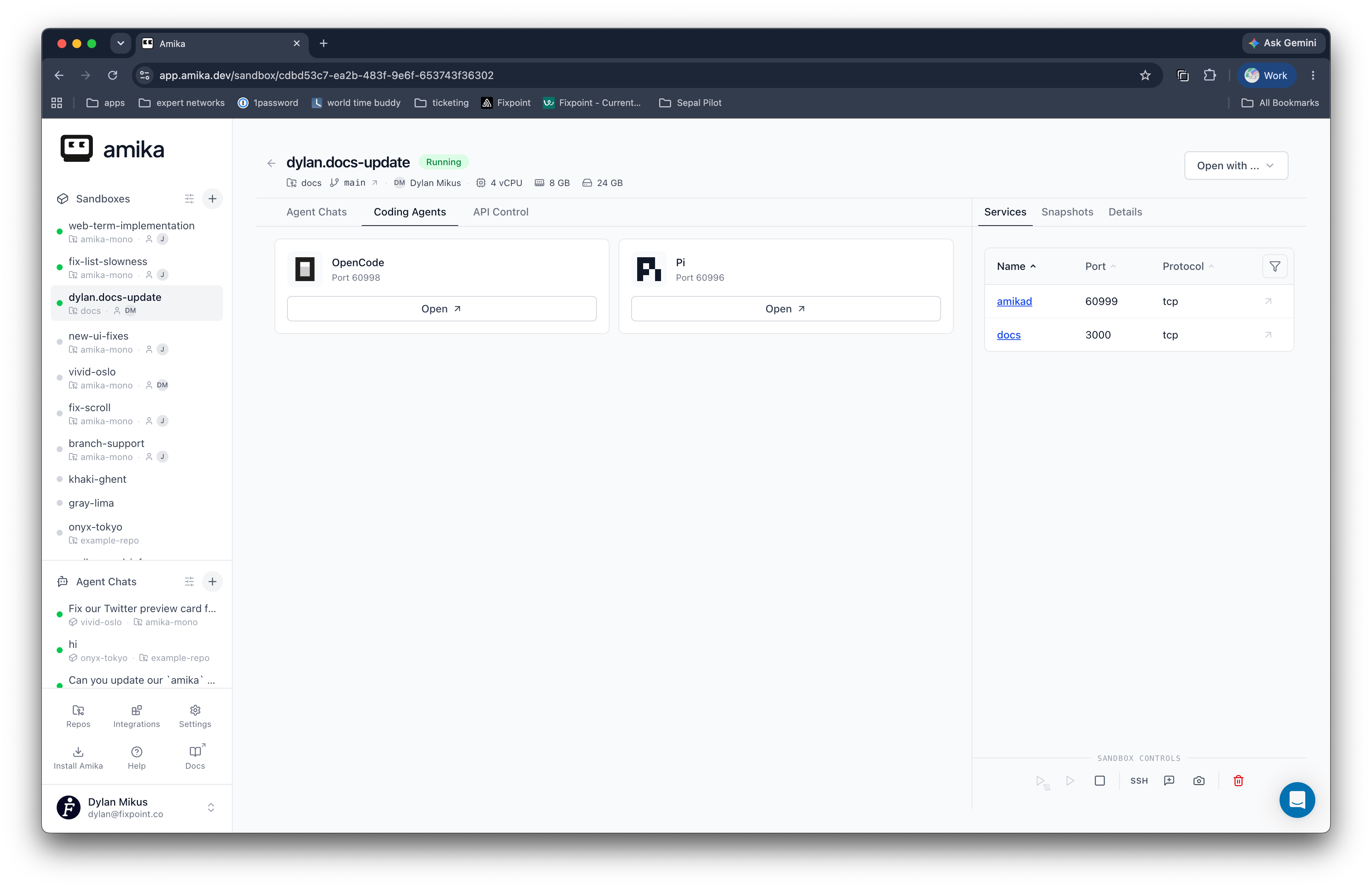
What can an Amika Rig do?
On a Rig, you can- run 1 or more agents simultaneously
- expose the HTTPS URLs of the apps your agent is working on
- let Rigs and their agents communicate with each other
- programmatically control the Rig and its agents
- connect to the Rig from tools like the Codex app, Cursor, and cmux
What can you use Amika for?
Since Amika schedules cloud VMs and then gives you networking, agent messaging, and chat UIs, you can use it in many ways. Some examples:- create multiplayer cloud devboxes for engineers that are pre-configured with your tech stack
- build managed cloud agents that you control via API to automate work in the background
- plug into your GitHub CI to not only run unit tests, but auto-fix failures
- make custom agents for non-technical teammates to chat with on the web
- talk with agents from other tools like Slack and Linear
Start here
What is a rig?
Learn how VM Rigs give agents and people a shared workstation.
Quickstart
Install the CLI and create your first rig.
Repository configuration
Configure rig defaults with .amika/config.toml, including precedence
rules and multi-repo or repo-less rigs.
CLI reference
Browse command syntax, key flags, and examples.
Pricing
Compare plan tiers, billing units, and managed rig costs.
Product links
Website
Read product overview and use cases.
Pricing
Compare plan tiers and billing units.
GitHub
View source code and contribute.